Monthly baby photos with the lunar date: a consistent month-by-month set at home
Updated · 4 min read
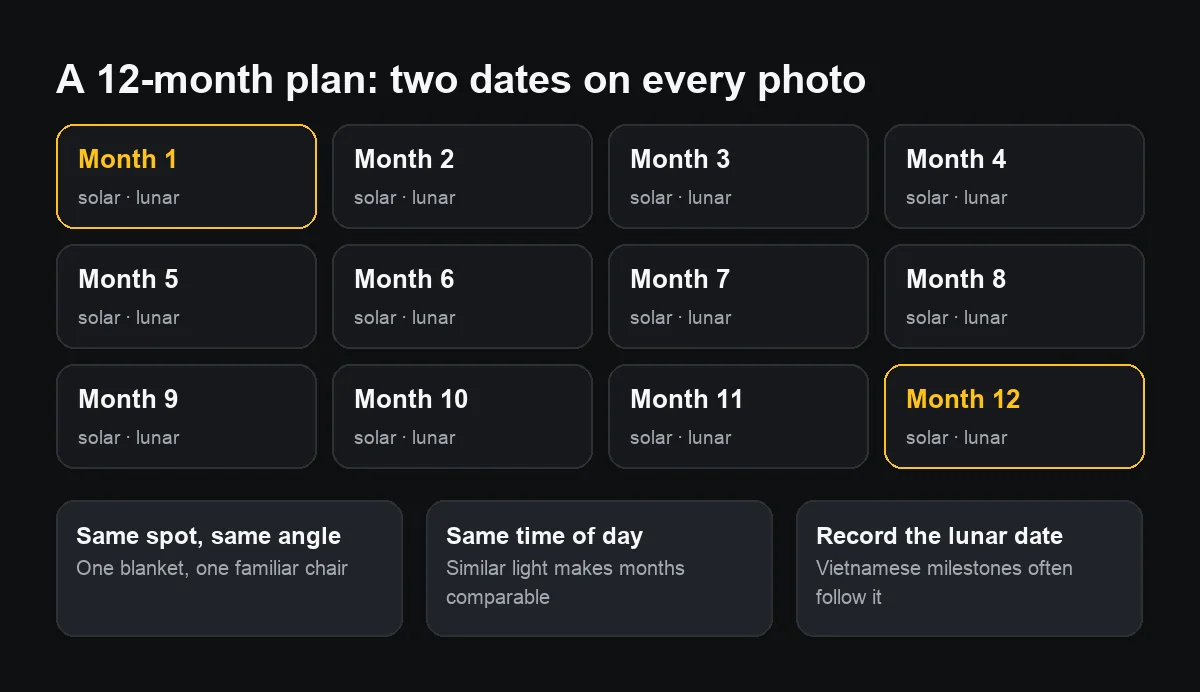
Monthly baby photos look best when every month repeats the same spot, camera angle, time of day and prop, and each photo carries both the solar date and the lunar date. Many Vietnamese families mark the first month and the first birthday by the lunar calendar, so a lunar date on the photo ties the set to those occasions.
You do not need a studio: a phone, a bright corner of the home and a monthly reminder are enough.
How do I pick the day to shoot each month?
Choose one anchor and keep it all year: the solar birth date each month, or the lunar birth date each month. Set a repeating reminder in Reminders or Calendar so you do not forget.
If your family celebrates the first month or the first birthday by the lunar calendar, look the lunar date up a few days ahead. You do not have to shoot on the exact day: a day or two off because the baby is unwell or it rains is normal, as long as the real date is what goes on the photo.
How do I make the months look consistent?
- The same place: one blanket, one chair, one familiar wall.
- The same angle: mark where you stand, or shoot straight down from the same height.
- The same time of day, near a window, with yellow ceiling lights off so skin tones match.
- The same prop for scale: a soft toy, a cushion. The baby grows; the prop does not.
- Turn on the Camera grid (Settings → Camera → Grid) to place the baby in the same part of the frame.
How do I put the solar and lunar dates on the photo?
iPhone photos store only the solar date, in hidden data. To show the date on the picture without an app you can:
- Write on a small board or a card beside the baby: “Month 3 – 12/01/2027 – lunar 4/12”.
- Or type the dates onto a copy afterwards with Markup in Photos.
Look up the lunar date on a wall calendar or a calendar app that shows it. Use the same wording all year, so twelve photos side by side look even.
How do I keep the baby safe and comfortable?
Shoot when the baby has just woken and been fed. Never place the baby somewhere high or leave them alone on a chair or table even for a few seconds; keep an adult within arm's reach. Turn the flash off. If the baby is fussy, try the next day; no photo is worth the tears.
How do I store and share the photos so they are not lost?
- Make a dedicated album, such as “An – 12 months”, and add each photo right after taking it.
- Turn on a backup: iCloud, or regular copies to a computer or a drive.
- When sending to grandparents through a chat app, send your picks and keep the originals on the phone, because chat apps compress photos.
- Think twice before posting photos showing the baby's birth date and your address publicly.

Besides the date, what else is worth noting each month?
A short milestone line turns the set into a small diary: “rolled over”, “first tooth”, “sitting up”. Add weight and height if you like, from the latest check-up. Keep each line short, because long text on the photo covers the baby.
Fuller notes belong in a separate note or the baby's health record, not on the photo.