Organize work photos on iPhone by site or customer: find any photo in seconds
Updated · 4 min read
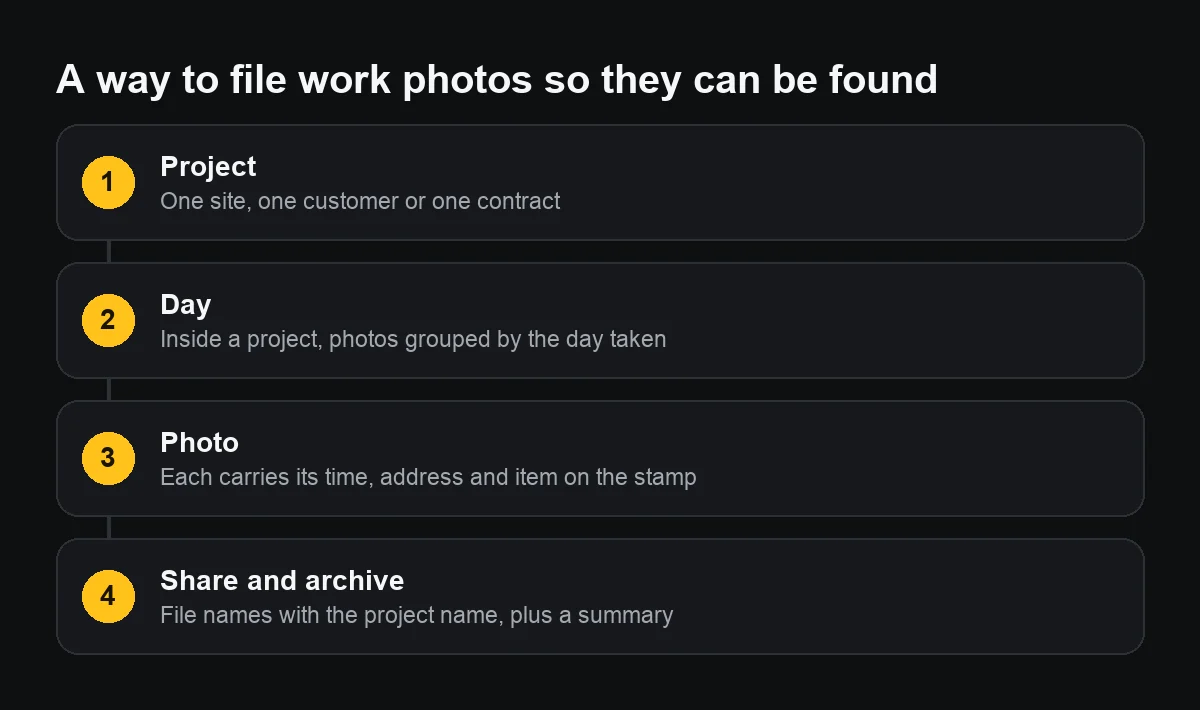
File work photos in one fixed structure: one album per site, customer or contract, photos inside by day, and every photo carrying its own time, address and work item. On iPhone, albums and folders in Photos, plus search by place and date, are enough for most people working alone or in a small team.
The hard part is not creating albums; it is the habit of putting photos in the right place the same day. Here is how to make that light.
Why do work photos get lost in the camera roll?
Work photos sit among family pictures, screenshots and photos received in chats. After a few months, finding “the third-floor columns at Tung's house on acceptance day” means scrolling through thousands. And many look alike: same site, different day; same type of unit, different customer.
How do I set up albums and folders per site?
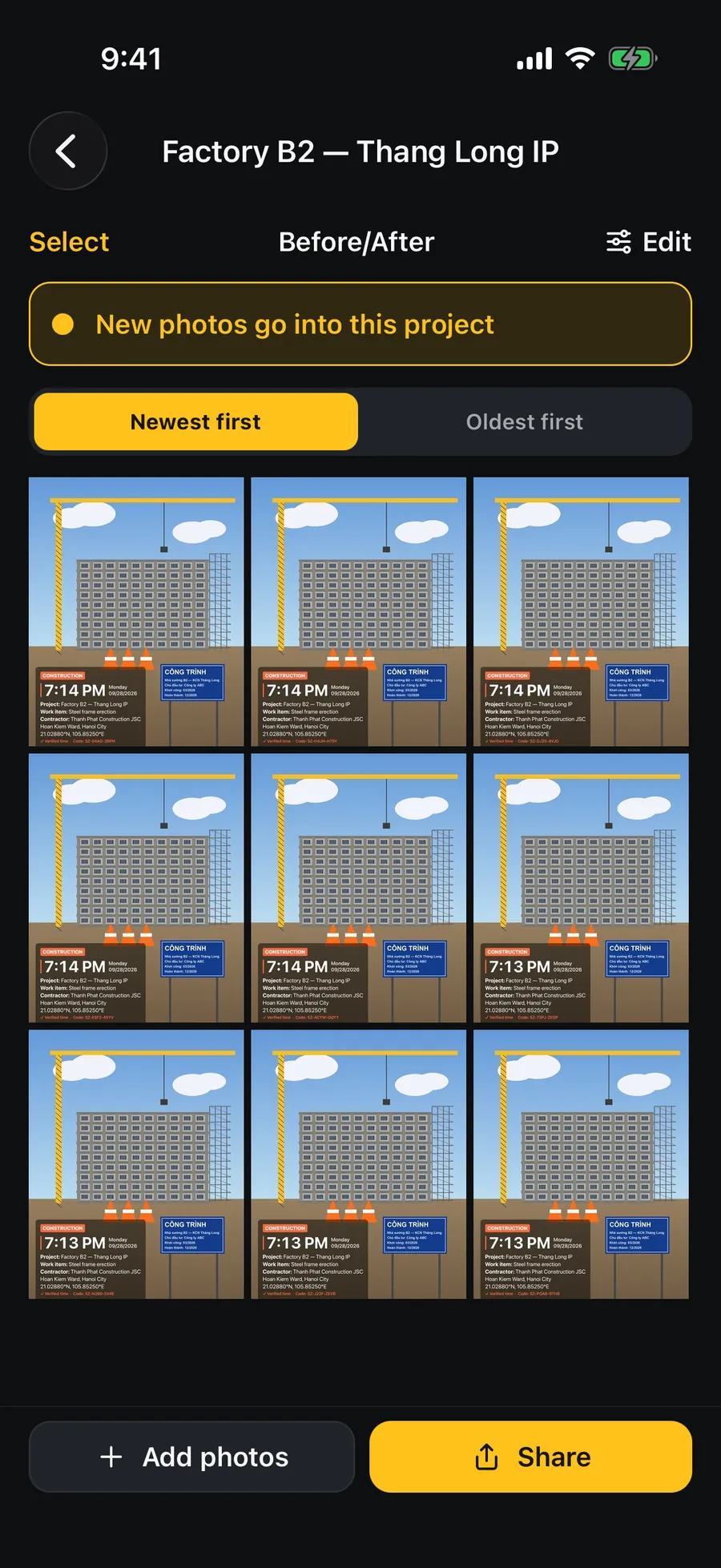
- In Photos, go to Albums, tap + and choose New Album; name it in a fixed pattern: “2026 – Factory B2 – Thang Long IP”.
- Group albums of the same kind into a folder: tap + and choose New Folder, for example “Active sites”, “Handed over”.
- At the end of each day, select the day's photos and tap Add to Album. Five minutes each evening beats an afternoon at the end of the month.
- Photos stay in the main library; an album is only a list pointing to them, so deleting an album does not delete photos.
How do I find photos again by place, date and caption?
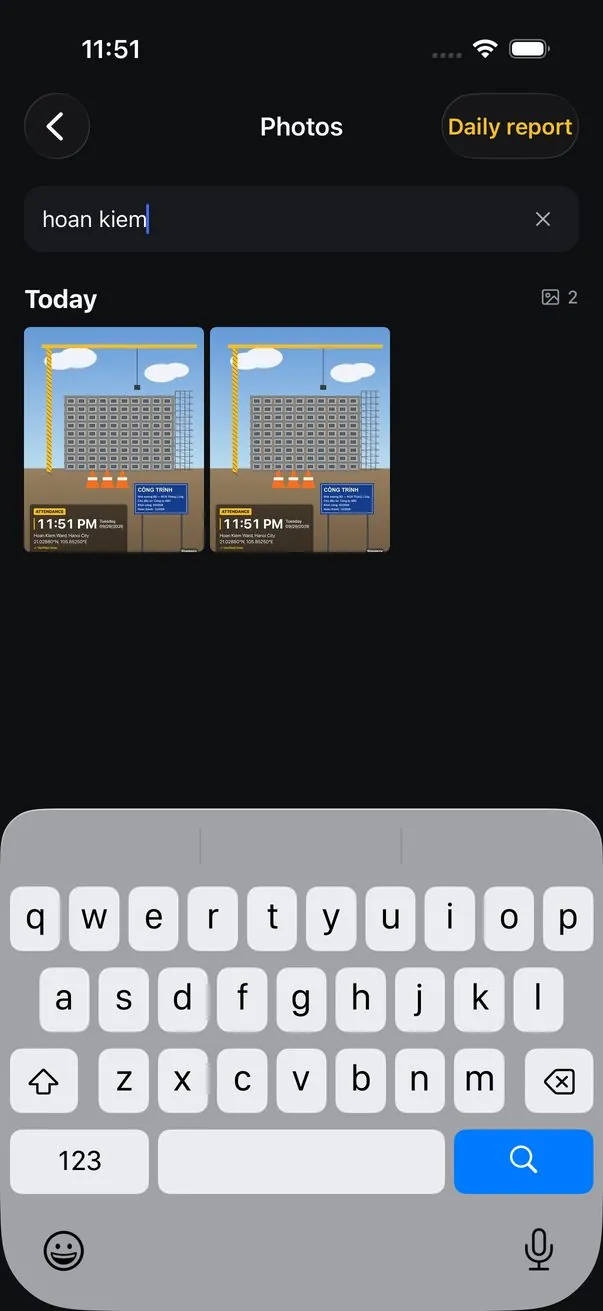
- Search in Photos understands place names and dates: type a ward, a city or “September 2026”.
- The map in Photos shows photos by where they were taken, if the Camera may use Location Services.
- Add captions to important photos: open the photo, swipe up and type in Add a Caption. Captions are searchable.
- Mark the photos for the project owner as Favorites, then filter by Favorites.
Note that searching by place relies on hidden data and the address from the map service, which in Vietnam may still use names from before 1 July 2025.
How do I send and archive a set so the recipient can use it?
- At handover, copy the photos into a folder in Files or a shared drive, named by site and date.
- File names should use plain letters, no odd spaces, and include the project: some chat apps and computers mangle accented names.
- Send a summary message with them: site, date range, number of photos, place.
- Keep the originals; the copies sent through a chat app are compressed.
Should work photos be kept apart from personal ones?
Yes, at least by album. On a company phone, ask about your employer's rules for where customer photos live and how long they are kept. Photos showing a customer's address or other people's faces should be kept only as long as the work or the warranty needs them, then deleted.
Which naming pattern makes albums and files easy to find?
One simple pattern for every site: year, a short project name, place. For example “2026 – Tung's house – D7” for the album and “tung-house_2026-09-28_01.jpg” for files you send. Put the year first so albums sort by time; use plain letters in file names; number photos in the order of the minutes or report, if there is one.
Avoid names based on who sent them or words like “new” and “final”: three months later nobody remembers which was new.