How to photograph a faulty product for a warranty claim or a refund request
Updated · 4 min read
To document a faulty product for a warranty claim, photograph the whole item, then the defect up close from two or three angles, then the label or serial number and the receipt, and film a short clip of the fault happening. Do it before you clean, repair, open or send the item anywhere.
A photo does not decide a claim: that depends on the warranty terms, the seller's policy and the consumer rules where you live. But a clear set of pictures answers the questions support staff always ask, so you are less likely to be sent back and forth. This is general advice, not legal advice, and each maker's claim form may ask for something different, so read it first.
What should I do before I take any photos?
Stop using the item if the fault could be unsafe or could get worse. Do not clean it, tighten it, open it up or try a fix first, because that can change what the defect looks like and some warranties exclude items that were opened. Read the claim form or the support page so you know which photos they ask for.
Which photos should I take?
1. The whole product, in good light, on a plain surface, so it is clearly the same item you bought.
2. The defect from two or three angles, close up and from a little further away so the position on the item is clear. Put a coin or a ruler beside a crack, dent or gap to show its size.
3. The label, model number or serial number, as sharp as you can get it.
4. Anything that came with it: the box, the charger, the packaging, if the problem could be linked to them.
5. The receipt, order confirmation or invoice, flat and fully in the frame with the date, the seller and the item readable.
When should I film instead?
Film anything that comes and goes: a screen that flickers, a motor that grinds, a button that only works sometimes, a leak that appears under pressure. Keep the item and the fault in the same shot, show the screen or the sound clearly, and say what you are doing out loud. A 10 to 20 second clip is usually enough; a long one is hard for anyone to review.
What should I keep with the photos?
- The receipt or order confirmation, and the warranty card if there is one.
- The date you bought it, the date you first noticed the fault and the date you contacted the seller.
- Your messages with the seller or the maker, with ticket or case numbers.
- The original packaging, if you still have it, until the claim is settled.
- Anything you paid because of the fault, such as postage or a diagnostic fee.
How should I send them?
Use the seller's own claim form or ticket system if there is one, and attach the files there. Describe the fault in a few plain sentences: what happened, when, and what you are asking for (repair, replacement or refund). Do not edit, crop or filter the pictures; send them as they are.
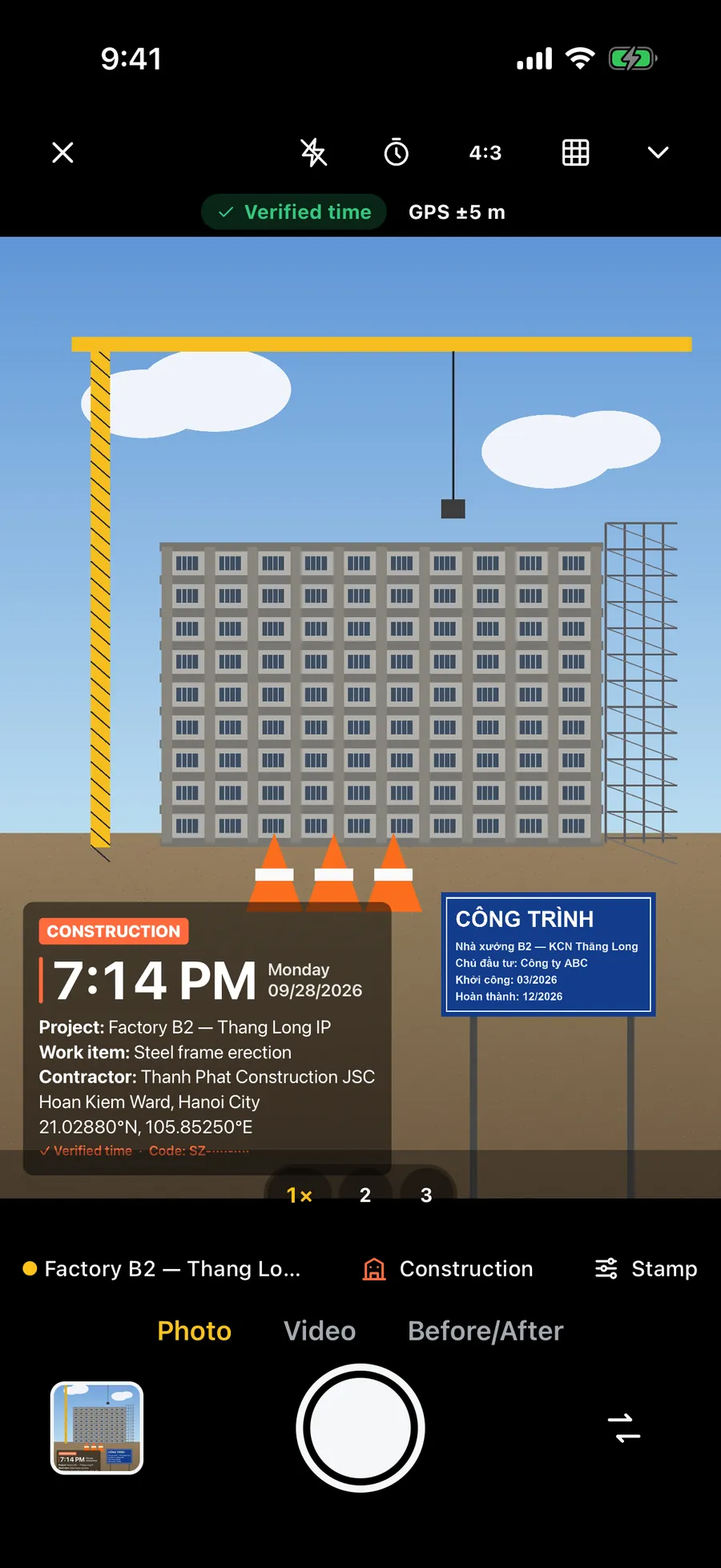
Chat apps and some forms shrink pictures and remove the date and location saved in them. Keep the full-size originals, and consider printing the date on the image itself so it stays visible.
How do I show when the photos were made?
The iPhone Camera saves the date and time inside each photo, but a chat app or form may strip it. Check that your phone's date and time are set automatically so the saved time is right. A date printed on the image itself is still visible wherever the picture goes.
Frequently asked questions
- What photos do I need for a warranty claim?
- The whole product, the defect from two or three angles with a coin or ruler for size, the label or serial number, and the receipt. Film the fault if it comes and goes. Check the maker's claim form, as requirements vary.
- Should I fix or clean the item before taking photos?
- No. Photograph it as it is. Cleaning, repairing or opening it can change the evidence, and some warranties do not cover items that were opened.
- Do I need the receipt for a warranty claim?
- Often yes, because it shows when and where you bought the item. Photograph it flat and keep the original or the order email.
- Will photos guarantee a refund or repair?
- No. It depends on the warranty terms, the seller's policy and local consumer rules. Clear photos only make your request easier to assess.
- How long should a video of the fault be?
- About 10 to 20 seconds, with the item and the fault in the same shot, is usually enough. A long clip is hard for anyone to review.