How to record a packing video with a timestamp on iPhone
Updated · 4 min read
To record a packing video with a timestamp on iPhone, film one continuous clip from the empty box to the sealed parcel, with the shipping label and order code readable and a clock visible in the frame. The built-in Camera only keeps the time in the file's hidden data, so either show a clock in the shot or use a camera that burns the date and time into every frame, such as Stampzy.
Online sellers record packing videos so that, when a buyer says an item was missing or the wrong one arrived, there is a clear record of what went into the box and when. This guide covers what the video should show, a setup you can repeat for every order, how to do it with the iPhone Camera alone, and how to keep the files without filling your phone.
What should a packing video show?
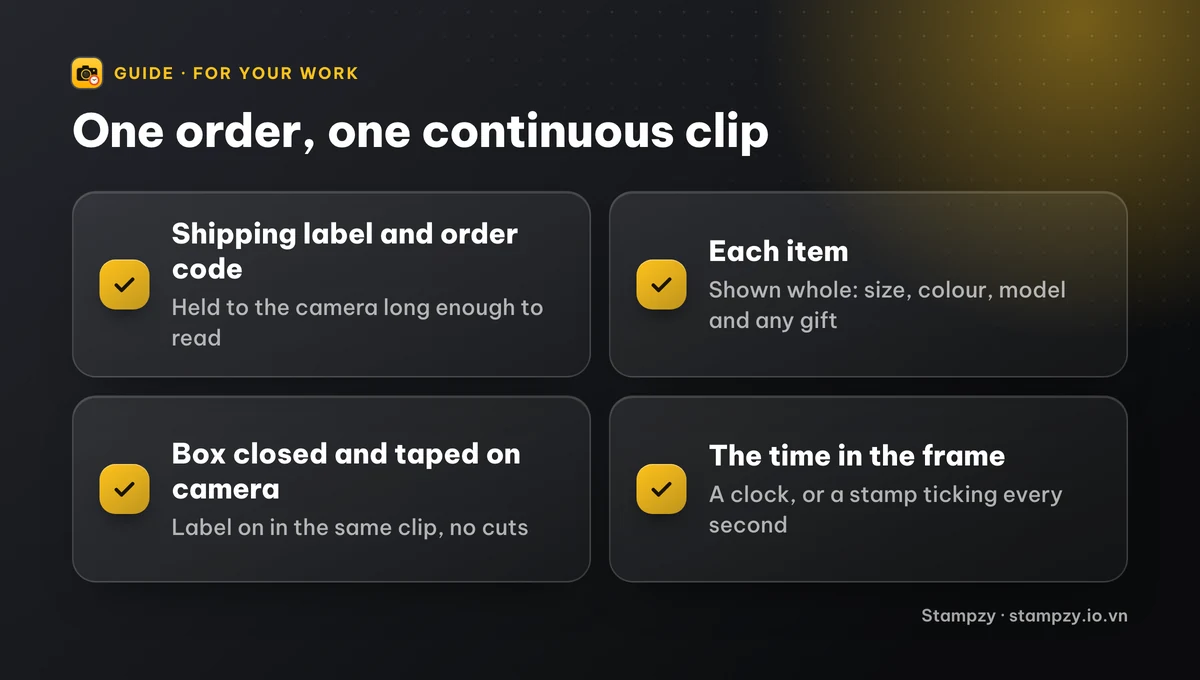
A good packing video answers four questions without anyone having to ask:
- Which order: the shipping label or order code, held to the camera long enough to read.
- What went in: each item, shown whole, with its size, colour or model visible, and any free gift or accessory.
- In what condition: turn the item once, open the seal if the buyer would, show that it is not damaged.
- That nothing was added or removed afterwards: the box is closed and taped on camera, and the label goes on in the same clip.
Keep it to one take with no cuts. A clip that stops and restarts, or that is edited, is far less convincing than one continuous minute.
How do I set up the packing table?
1. Fix the phone above or in front of the table: a cheap overhead phone stand or a tripod with an arm keeps both hands free and the framing identical for every order.
2. Frame the whole work area, so the box, the item and your hands never leave the shot.
3. Light it evenly. A desk lamp or a window to the side avoids shadows over the label.
4. Keep the table clear of other orders, so no one can say an item came from another package.
5. Record in 720p or 1080p. That is sharp enough to read a label and keeps files small; 4K fills a phone quickly.
How do I record it with the iPhone Camera?
The iPhone Camera does not draw the date or time on video. It stores when recording started in the file's data, which you can see by opening the video in Photos and swiping up. That data can be edited from the same panel and is often removed when the clip is sent through a chat app, so it helps to make the time visible as well:
1. Open Camera and switch to Video.
2. Start recording with a clock in the frame: another phone's Lock Screen, a wall clock, or a printed calendar next to the box. Some sellers also say the date and the order code aloud.
3. Show the label, then each item, then pack, close and tape the box, and put the label on.
4. End on the sealed parcel with the label facing the camera, then stop.
5. Before deleting anything, rename or note the clip with the order code so you can find it later.
How long should I keep packing videos?
Keep each video at least until the order is complete and the return or complaint window of the marketplace you sell on has passed. Check that marketplace's current rules, since they set the window and what kind of video they accept in a dispute.
- Move older clips off the phone each week to a computer, an external drive or a cloud folder, organised by month.
- Name files or folders by order code, so a search finds the right clip in seconds.
- Keep the original file. A copy sent through a chat app is recompressed and loses detail and data.
- Delete clips once the window has passed; a year of packing videos takes a lot of space.
Which way should I record: the iPhone Camera or a timestamp camera?
Both can produce a usable packing video. The difference is whether the time and the order are visible in the picture itself:
| iPhone Camera | Stampzy video | |
|---|---|---|
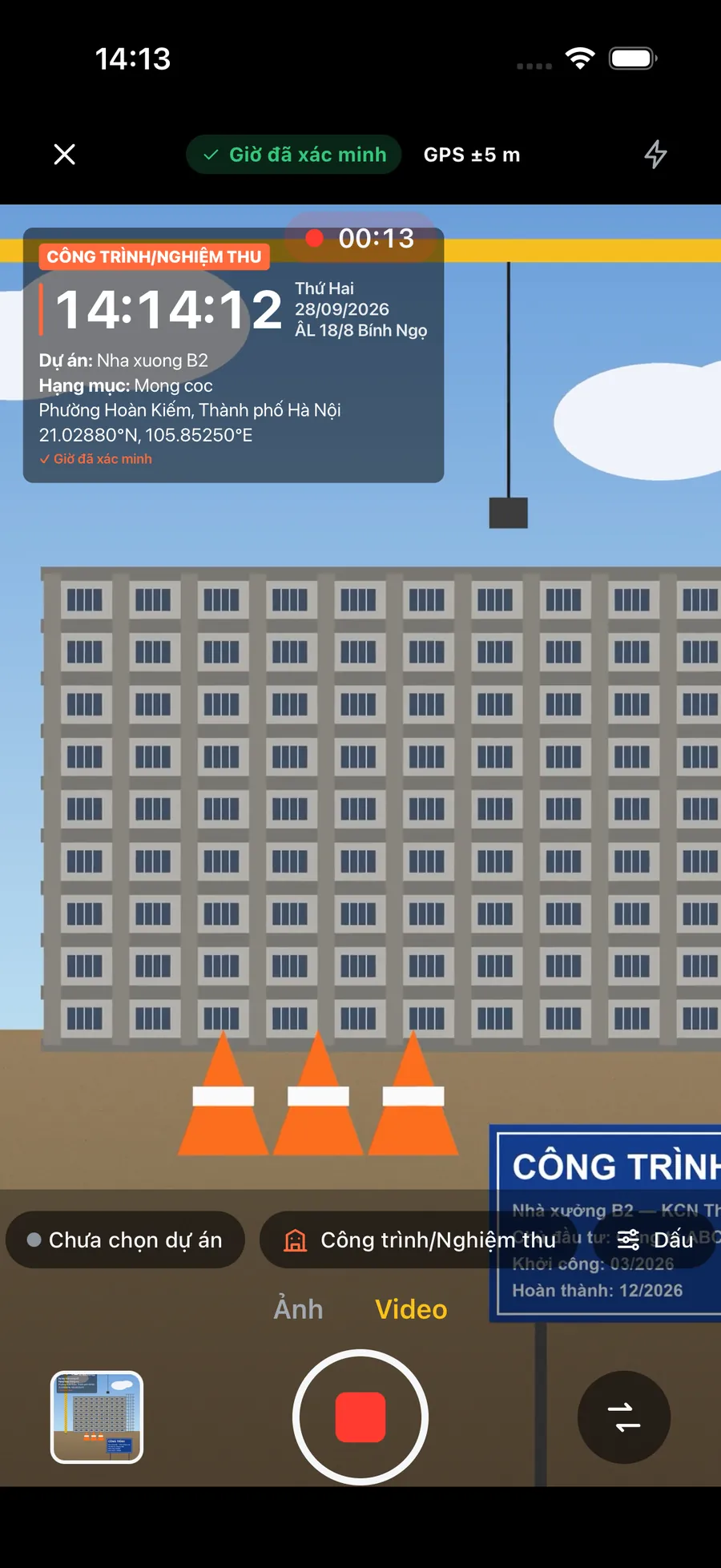
| Date and time in the frame | Only if you film a clock | A clock ticking every second, in every frame |
| Order code or shop name on the video | Only if you hold up the label | Typed text lines on the stamp |
| Time after sending through a chat app | Often stripped from the data | Still drawn into the picture |
| Address and coordinates | Hidden data only | On the stamp, if the template shows them |
| Sound | Yes | Yes |
What does a packing video not do?
A packing video is your own record of how a parcel left you. It is clear and easy to check, but it is not a tamper-proof certificate, and it cannot show what happened to the parcel in transit. Each marketplace decides how it weighs a video in a complaint, so follow its rules, and send the clip early when a buyer raises a problem.
Frequently asked questions
- Does a packing video have to be one continuous clip?
- It should be. A single take from the empty box to the sealed parcel, with no cuts or edits, is much easier for a buyer or a marketplace to trust than several clips joined together.
- Does the iPhone Camera put the date and time on videos?
- No. It only stores the recording time in the file's data, visible in Photos when you swipe up on the video. To make the time visible, film a clock in the frame or use a camera that burns a clock into the video.
- What resolution should I use for packing videos?
- 720p or 1080p is enough to read a shipping label and keeps each minute of video small. 4K looks sharper but fills the phone quickly when you record every order.
- Will a packing video guarantee I win a dispute?
- No. It is a clear record of what you packed, not a guarantee. Each marketplace sets its own rules for complaints and evidence, so check them and keep your videos for as long as they require.